How to Use a Twitter Analytics Checker in 2026


X (formerly Twitter) attracts approximately 586 million monthly active users in 2026, according to Sociality.io's reporting on Statista figures. With that volume of activity, understanding which posts resonate and which fall flat is no longer optional. A Twitter analytics checker gives you the clarity to act on real data rather than assumptions. Whether you manage a personal brand, a startup account, or an enterprise presence, tracking Twitter analytics is the foundation of every informed content decision.
Yet the analytics landscape on X has shifted significantly. Full dashboard access now requires an X Premium subscription, and native tools cover only a 28 day window. That leaves creators and marketing teams searching for reliable ways to measure performance across broader timeframes, benchmark against competitors, and translate raw numbers into actionable growth strategies. This guide walks you through everything you need to know about checking analytics on X in 2026, from core metrics to the tools that surface the insights that matter most.
What Is a Twitter Analytics Checker and Why Does It Matter?
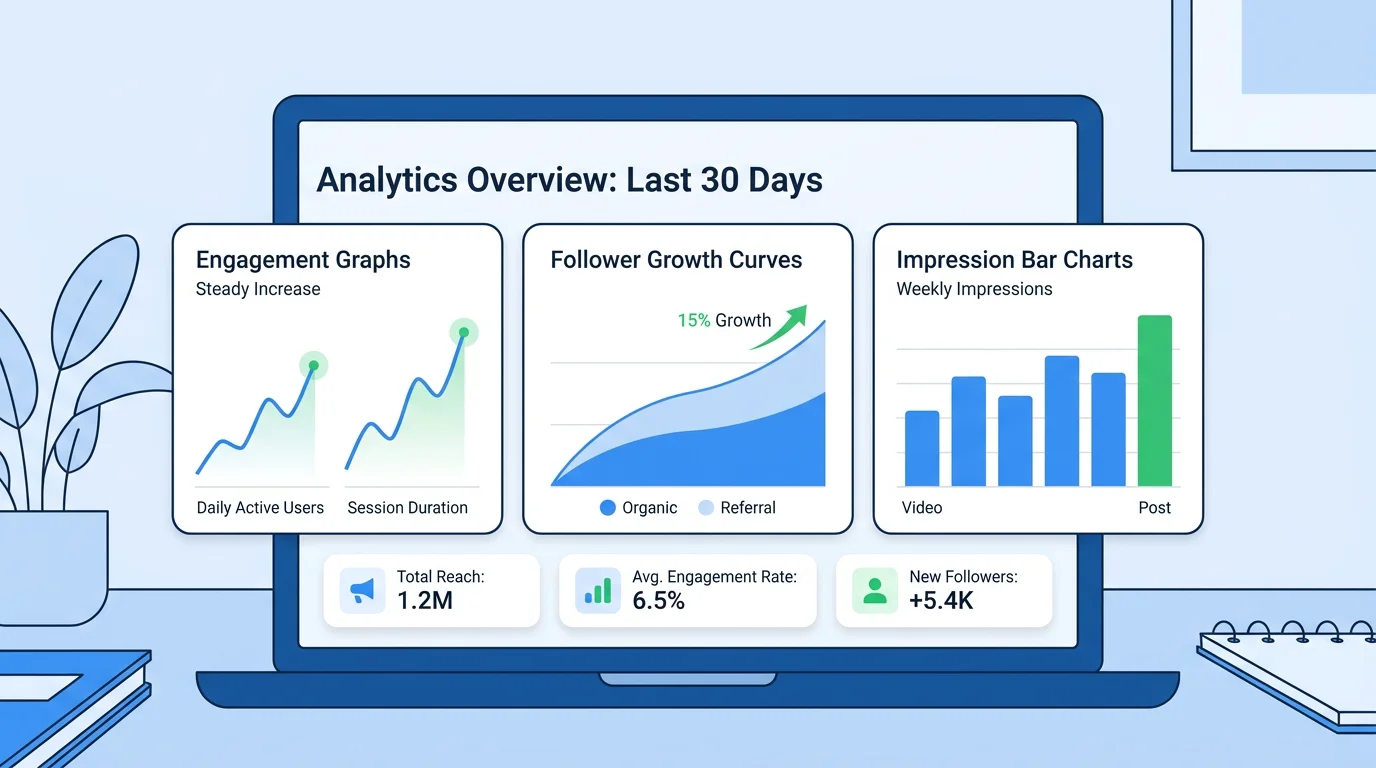
A Twitter analytics checker is any tool or dashboard that tracks, measures, and reports on how your content performs on X. It monitors your account's performance, audience behavior, and content engagement so you can make data driven decisions rather than relying on intuition alone.
At its simplest level, X's own native dashboard shows impressions, engagement rate, profile visits, and follower changes over the most recent 28 days. To access this data, you need a Premium subscription. If you are not subscribed to Premium, you will still have access to basic engagement counts directly under each post, including likes, replies, reposts, and views. That basic visibility is useful, but it is rarely sufficient for anyone serious about growth.
Third party analytics checkers fill the gap. They pull data from the X API and present it alongside features the native dashboard lacks: competitor benchmarking, historical trend analysis beyond 28 days, sentiment tracking, and cross platform comparisons. A powerful analytics tool reveals which posts resonate, when your audience is most active, and how your content compares with competitors; while native analytics give you a surface level idea, third party tools unlock richer insights that can shape your entire social media strategy.
Core Metrics Every Analytics Checker Should Track
Not every number on a dashboard deserves your attention. The most effective approach is to focus on the metrics that actually support your goals and ignore the vanity noise. Below are the key metrics that a reliable analytics checker should surface.
- Impressions: the total number of times your post appeared in a timeline or search result. This is the broadest measure of visibility.
- Engagement rate: typically calculated as total engagements (likes, replies, reposts, clicks) divided by total impressions. A good link click through rate on X ranges from 1.5% to 2%, while the average CTR for organic posts falls between 0.5% and 1.5%.
- Follower growth: net new followers over a given period. Sudden spikes or drops often correlate with specific content decisions.
- Profile visits: how many users visited your profile page, a strong signal of curiosity beyond a single post.
- Top performing posts: identifying which content outperforms your median helps you replicate structural patterns.
- Video metrics: retention rate, view rate, and completion rate for video content.
For a deeper exploration of which numbers deserve your weekly review, our guide to Twitter metrics breaks down each KPI in detail.
How to Access X's Native Analytics Dashboard
The full Twitter analytics dashboard is only available to X Premium (or X verified) users on desktop. Here is how to reach it if you hold a Premium subscription:
- Go to x.com/i/account_analytics and log in.
- You will land on your account overview, which shows impressions, engagement rate, profile visits, new followers, and more.
- Use the drop down menus to toggle between different metrics like replies, reposts, likes, and bookmarks.
While X's mobile app does not offer a dedicated analytics dashboard, it still gives quick access to performance data on individual posts. Open the X app, navigate to your profile, find a post you want to analyze, and tap the bar graph icon; a pop up will display key metrics like impressions, engagements, profile visits, and engagement rate.
X's native analytics displays 28 days in the standard interface and allows exports of up to 90 days. If you need data beyond that window, a third party tool is essential. That is where dedicated analytics checkers become indispensable.
Why Native Analytics Alone Are Not Enough
Several structural limitations make the native dashboard insufficient for marketers who need a complete picture. These include 28 day data retention, shallow demographics, no competitor benchmarking, and Premium paywalls.
Consider competitor analysis: you cannot see your competitors' analytics directly through X's native tools. You can observe what they post and gauge surface level engagement, but you will not have access to their impression counts, engagement rates, or audience breakdowns. Third party checkers that pull public data, such as engagement per post averages and posting frequency, help bridge that gap.
Another limitation is the absence of sentiment analysis. Native X analytics tells you how many people interacted with your content, but not how they felt about it. Advanced tools apply machine learning natural language processing to determine the tone of mentions, categorizing posts as positive, negative, or neutral. This layer of insight is critical for brand health monitoring.
If you are looking for solutions that do not require a paid subscription, our roundup of free Twitter analytics options covers several accessible alternatives.
Choosing the Right Twitter Analytics Checker for Your Goals

The ideal analytics checker depends on your role, your budget, and the depth of insight you need. The table below compares several categories of tools, including our own platform, across criteria that matter most to solo creators, startup founders, and marketing teams.
| Tool Category | Engagement Tracking | Competitor Analysis | AI Features | Free Tier | Best For |
|---|---|---|---|---|---|
| Xarmy | Yes (detailed post and engagement insights) | Community benchmarking | AI powered matching | Yes (freemium) | Creators and startups seeking real engagement growth plus analytics |
| X Native Dashboard | Yes (28 day window) | No | No | No (Premium required) | Quick personal account checks |
| Third Party Schedulers | Yes | Limited | Varies | Some offer free plans | Teams managing multiple profiles |
| Social Listening Platforms | Yes | Yes | Sentiment analysis | Rarely | Brands focused on reputation and mentions |
| Free Profile Checkers | Basic | Yes (public data only) | No | Yes | Quick competitor spot checks |
In 2026, 59.5% of marketers use AI for analytics and reporting, according to a Sociality.io survey. That trend underscores the growing expectation that analytics tools do more than display charts; they should interpret data and suggest next steps. Our best Twitter analytics tools guide explores these options in greater detail.
How to Turn Analytics Data into Actionable Growth
Collecting data is only the first step. The real value of a Twitter analytics checker emerges when you translate numbers into deliberate changes in your content strategy. Here is a practical framework:
1. Identify Your Median Performance
Calculate the median engagement across your most recent posts. The median is more reliable than the average because a single viral post can skew averages dramatically. Once you know your median, every post that falls above it becomes a candidate for pattern analysis.
2. Study Structural Patterns in Top Performers
Look at your highest performing posts and note the format (thread versus single post, text only versus media), the topic, the time of publication, and the hook in the opening line. Find common themes in top posts: did they contain a hashtag, mention, or question? Identify the best posting times and schedule around those windows in the future.
3. Benchmark Against Competitors
If a competitor's median engagement is meaningfully higher than yours, study which post types are pulling that number up. The goal is not to copy content but to apply structural lessons, such as format, cadence, and hook techniques, to your own voice.
4. Set a Reporting Cadence
A rhythm of daily checks, weekly reviews, and monthly deep dives ensures consistency, which beats intensity. Weekly reviews keep you responsive, while monthly analysis reveals trends that daily noise obscures.
If you want to analyse your Twitter account with a structured approach, following this framework will help you move from passive observation to active optimization.
The Role of AI in Modern Twitter Analytics
Artificial intelligence is reshaping how marketers interact with analytics data. Rather than scrolling through tables and manually identifying patterns, AI powered checkers can surface insights proactively: which audience segment engaged most, what content angle is trending in your niche, and when your followers are most likely to be online.
Social listening tools complement native X analytics data with features such as AI insights, sentiment analysis, social media reach, top public profiles, share of voice, influence score, and customizable reports. When combined with native metrics, these capabilities provide the most holistic view of your X performance.
Our platform uses AI powered matching to connect your content with the right audience, delivering real likes and reposts from verified accounts. This approach not only boosts visibility but also feeds your analytics checker with higher quality engagement data, creating a virtuous cycle of better content and stronger results.
Common Mistakes When Checking Twitter Analytics
Even experienced marketers fall into patterns that reduce the value of their analytics work. Here are four pitfalls to avoid:
- Obsessing over follower count: A large follower number with stagnant engagement is often less commercially valuable than a smaller, highly engaged audience.
- Ignoring the Premium paywall: Full account analytics require X Premium. Without it, you can only see basic post metrics such as likes, replies, and reposts. Relying solely on these surface numbers limits your strategic clarity.
- Treating view counts as a primary KPI: Impressions are heavily influenced by algorithm boosts and do not always correlate with meaningful action.
- Skipping historical comparison: The native interface displays only 28 days. Without third party tools that store longer histories, you cannot detect seasonal patterns or measure quarter over quarter improvement.
Conclusion
In 2026, checking your Twitter analytics is not a luxury; it is a baseline requirement for anyone who wants to grow on X with intention. The platform's 586 million monthly active users represent an enormous opportunity, but only for those who understand what their data is telling them. From core metrics like engagement rate and impressions to advanced layers such as sentiment analysis and AI driven insights, the right analytics checker transforms raw numbers into a strategic roadmap.
Rather than toggling between multiple dashboards, look for a solution that combines real engagement, intelligent audience matching, and detailed performance tracking in one place. Start with our free plan at Xarmy and see how AI powered engagement and smart analytics can accelerate your growth on X.
Frequently Asked Questions
Do I need X Premium to check my Twitter analytics?
You need X Premium for full dashboard access on desktop. Without it, you can view basic per post metrics (likes, replies, reposts, views) directly in the mobile app. For deeper insights without a Premium subscription, third party tools or our smart analytics dashboard at Xarmy provide an accessible alternative.
Can I check analytics for someone else's Twitter account?
X's native analytics only shows data for accounts you own. However, several third party checkers can analyze any public profile by pulling publicly available engagement data. This is useful for competitor research and influencer evaluation.
What is a good engagement rate on X in 2026?
Engagement rates vary by industry and audience size. As a general benchmark, a link click through rate between 1.5% and 2% is considered strong. Focus on improving your own historical rates rather than chasing a universal number.