Twitter Automatic Posting: How to Schedule X Posts in 2026
Twitter automatic posting lets you schedule tweets without manual effort; learn what X allows, the top tools, optimal cadence, and workflows that drive growth in 2026.


Posting consistently on X is the single biggest predictor of follower growth and revenue. But hitting "publish" at 9 a.m. on Tuesday when you are in a client meeting is not sustainable. Twitter automatic posting solves the problem by letting you draft, queue, and ship posts on a fixed schedule, freeing you to focus on strategy and engagement instead of pressing buttons.
The catch is that not all automation is equal. X's algorithm rewards genuine activity and penalizes bot-like behavior, so the wrong setup can sink your account. Average impressions per post already declined 5.3% in 2025 according to Metricool's 2026 study, so the margin for error is thin. This guide breaks down how automatic posting works, what X allows, the top tools in 2026, and the workflow that produces consistent reach without flags.
What Is Twitter Automatic Posting?
Twitter automatic posting (also called auto-posting or tweet scheduling) is the practice of writing tweets in advance, queuing them to publish at specific times, and letting a tool handle the actual posting. Some platforms layer on additional automation like auto-retweeting, auto-DMs to new followers, or recycling evergreen tweets at regular intervals.
The core appeal is time leverage. Instead of context-switching every 90 minutes to write a fresh post, you batch-write 20 tweets on Monday morning and queue them across the week. Studies of high-output accounts consistently show 4-6x productivity gains versus manual posting, with no measurable drop in engagement when the content quality stays high.
What X's Rules Allow (and What They Do Not)
X explicitly permits automated posting through its API and approved tools. But the platform draws a hard line at three specific behaviors that trigger automatic suspension or shadowban.
- Duplicate content: Posting the same tweet text from multiple accounts (or even the same account repeatedly within 24 hours) violates the duplicate content policy.
- Aggressive following/unfollowing: More than 50 follow actions per hour, or rapid mass-unfollow patterns, signal bot behavior.
- Auto-engagement at scale: Auto-liking 1,000 tweets per day, auto-replying with generic templates, or bulk-DMing new followers all violate X's automation rules.
Scheduled posting itself is fine. X even offers a native scheduler in the compose box. What gets you flagged is the surrounding automation: spam-like reply patterns, bot-style follow behavior, or duplicate content across accounts. According to Digital Applied's 2026 marketing report, accounts that combine scheduled posting with manual engagement see no algorithmic penalty whatsoever.
X Native Scheduler: When It Is Enough
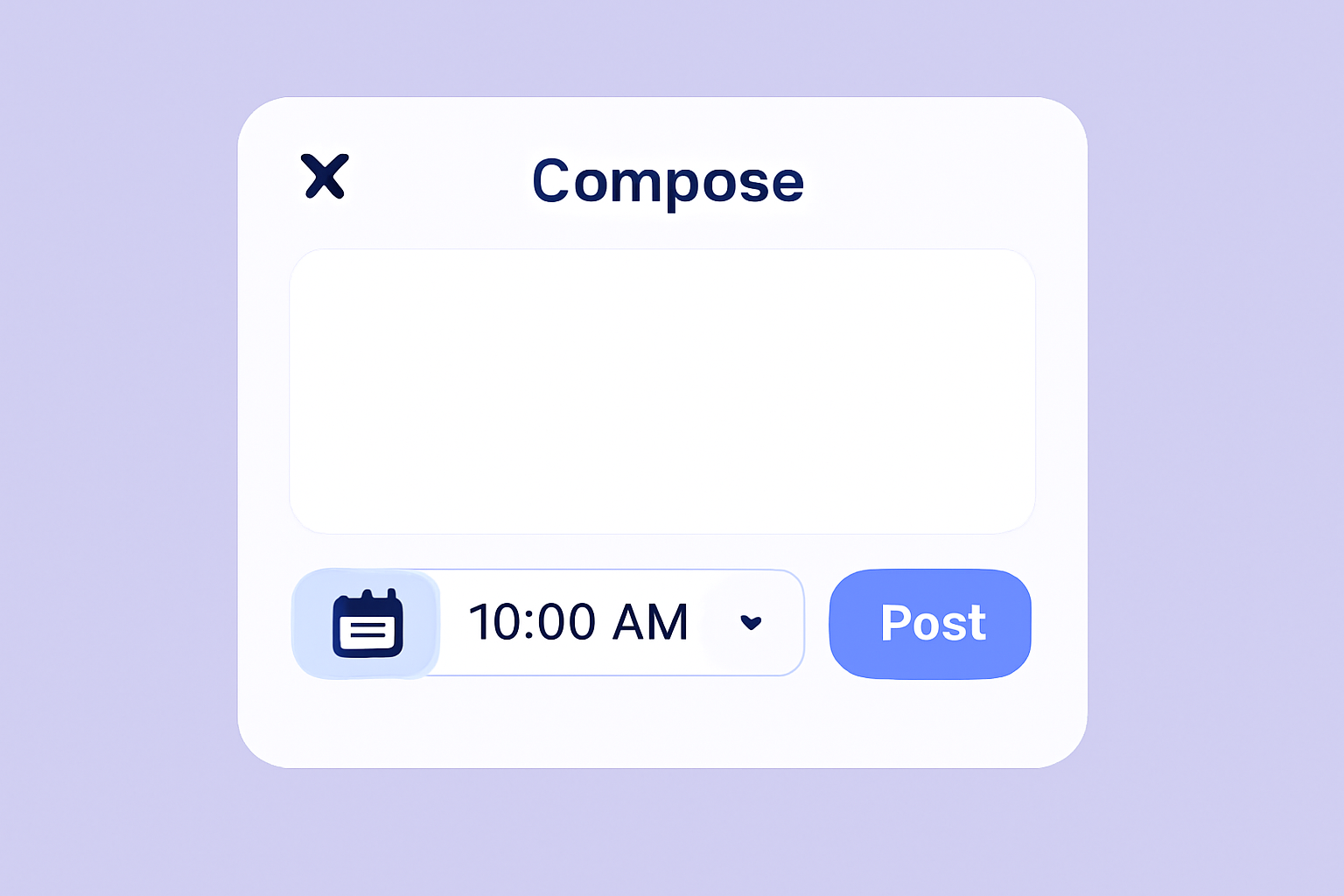
X's built-in scheduler, accessible from the web compose box (click the calendar icon at the bottom), lets you queue posts up to 18 months in advance for free. It handles text, images, GIFs, videos, and polls. No third-party tool required.
The native scheduler works well for solo creators and small brands that post 5-15 times per week. Limitations: no bulk import, no multi-account view, no analytics layer, and no team collaboration. If you manage 3+ accounts or batch-write 50+ tweets at a time, you will outgrow the native tool quickly.
Top Twitter Automatic Posting Tools in 2026
The third-party landscape has consolidated significantly since 2024. Most major scheduling platforms now charge $19-$99 per month for X-only or cross-platform plans.
| Tool | Cost (lowest tier) | Multi-account | Best For |
|---|---|---|---|
| X native scheduler | Free | No (single account) | Solo posting up to 18 months ahead |
| Hypefury | $19/month | Up to 5 accounts | Creator accounts, threads |
| Buffer | $6/month per channel | Yes (paid) | Cross-platform queuing |
| Hootsuite | $99/month | Yes | Agencies, brand teams |
| TweetHunter | $49/month | Up to 3 accounts | Growth-focused creators |
| Xarmy AI Scheduler | Free to start | Yes | AI drafting + community engagement |
For solo creators, Hypefury and TweetHunter dominate the $19-$49 range. For brands and agencies, Hootsuite and Sprout Social remain industry standards. We built our AI-powered platform as a single workspace that combines scheduling, AI drafting, and real engagement from verified accounts, so the same tool that publishes your tweet also helps it reach the right audience.
The Right Posting Cadence (Backed by Data)
How often should automated posting run? The 2026 benchmark from Metricool's analysis of 1.1 million posts is 17.34 weekly posts on average, up from 15.97 in 2024. That works out to 2-3 posts per day. Top-performing creator accounts post 4-7 times daily; brand accounts cluster around 1-3 per day.
Posting frequency interacts with engagement rate. Posting too rarely keeps you invisible. Posting too frequently dilutes attention and risks duplicate content flags. The sweet spot for most creators is 3-5 posts per day, spaced 2-4 hours apart during your audience's active hours.
The peak engagement windows for brands sit on Tuesdays, Wednesdays, and Thursdays between 12 p.m. and 6 p.m. local time according to Sprout Social's 2026 data. Schedule your highest-priority posts inside these windows and use lower-priority content (replies, retweets, polls) to fill the rest of the day.
How to Set Up a Sustainable Automatic Posting Workflow
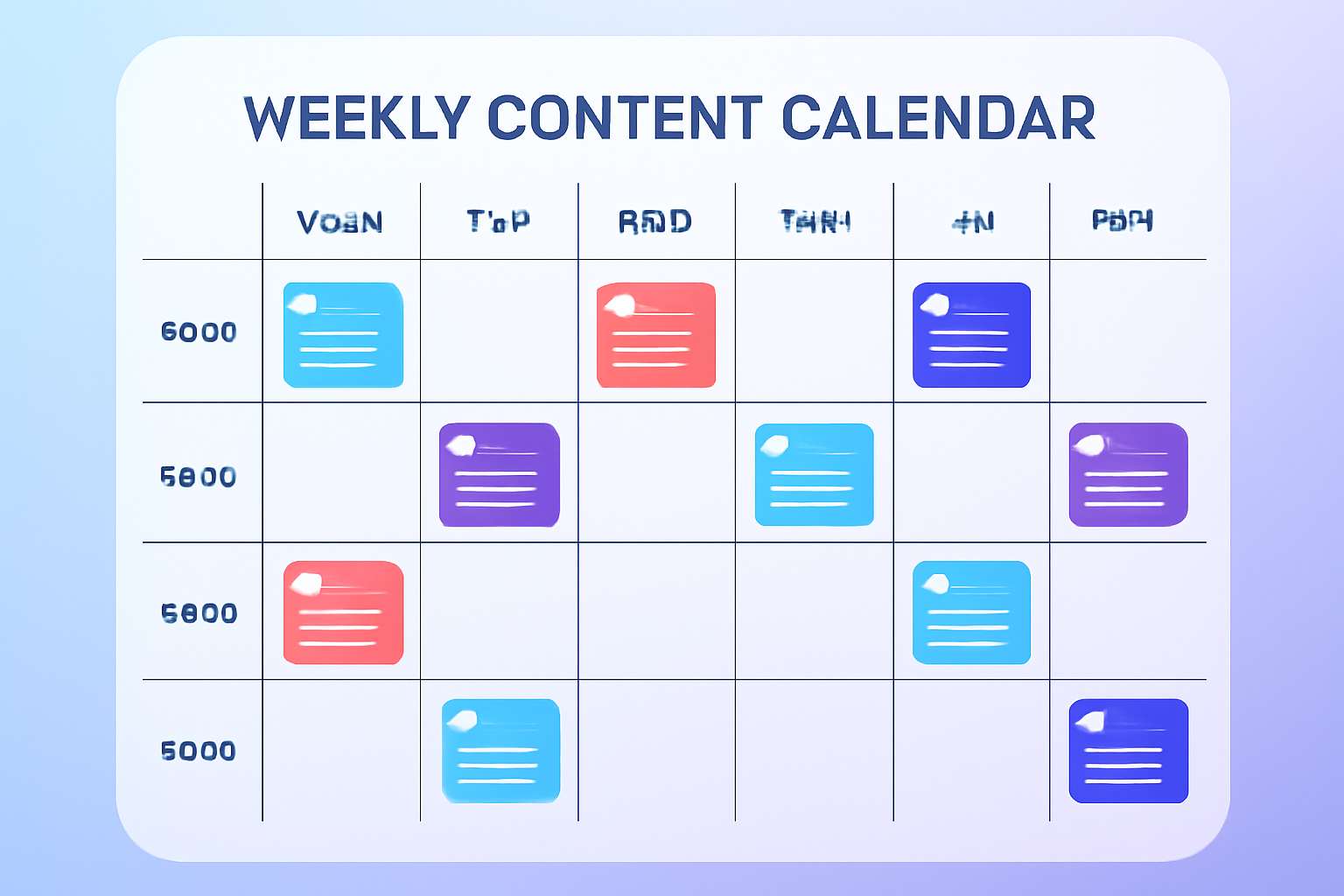
The most effective creators follow a weekly batching pattern that takes 90 minutes and produces a full week of content.
Step 1: Monday Morning — Batch Write
Block 60-90 minutes. Write 15-25 tweets covering 3-5 content pillars (educational, opinion, behind-the-scenes, promotional, conversational). Variety is what keeps the algorithm interested.
Step 2: Queue Across the Week
Spread the tweets across 5-7 days using your scheduler's recommended times. Most tools have an "auto-queue" feature that fills your best slots automatically. Override manually for time-sensitive posts.
Step 3: Plan Engagement Windows
For each scheduled post, block a 30-minute engagement window starting 5 minutes before it publishes. This is non-negotiable. Engagement velocity in the first 30 minutes is the strongest algorithmic signal in 2026.
Step 4: Mid-Week Refresh
Tuesday or Wednesday, add 3-5 tweets responding to current events or trending topics. Pure batch content can feel stale; real-time additions keep your feed alive.
Step 5: Weekly Review
Friday afternoon, audit which posts hit and which missed. Use our engagement rate calculator to spot patterns. Apply learnings to next week's batch.
Why Engagement Velocity Beats Pure Volume
You can schedule 50 tweets a week and still see flat growth if none of them trigger fast engagement. Retweets surged 35% year over year on X (4.93 to 6.67 per post on average) and replies grew 21%, which means the algorithm is rewarding interactive posts more than ever. Automation handles the volume; manual engagement handles the velocity.
The accounts winning in 2026 pair scheduled posting with active engagement during peak windows. They reply to comments, quote-tweet related conversations, and engage with peers in their niche. The schedule frees them to do that meaningful work rather than racing to write the next post.
Our Twitter analytics guide covers the metrics that matter most when measuring whether your automated posting is actually producing reach. The short version: track engagement rate per post, not raw post count.
Common Mistakes That Sink Auto-Posted Accounts
Five mistakes account for most of the "I scheduled everything and got no growth" complaints.
- Set-and-forget mentality: Scheduling without showing up for the first 30 minutes after each post.
- Duplicate or near-duplicate content: Recycling the same tweet too frequently or copying yourself verbatim.
- Bad timing: Posting outside your audience's active hours because the scheduler defaults didn't match your niche.
- No variety: All posts in the same format (e.g., all link posts), which the algorithm flags as low-quality.
- Ignoring analytics: Running the same schedule for 6 months without testing time/format variations.
Avoid these and automation becomes a clear net positive. The accounts that struggle with auto-posting are almost always the ones treating it as a replacement for engagement rather than a complement to it.
Frequently Asked Questions
Is Twitter automatic posting against X's rules?
No. X explicitly allows scheduled posting through its API and approved tools, including the native scheduler in the web compose box. What violates the rules is automation around the post (auto-following at scale, auto-DMing, auto-replying with templates) or duplicate content. Scheduling itself is fine.
How many tweets should I auto-post per day?
Most creators succeed with 3-5 posts per day. Brands typically post 1-3. The 2026 average across X is 17.34 posts per week (2.5 per day). Higher volume only helps if engagement quality stays consistent; otherwise it dilutes attention.
Does scheduling tweets hurt engagement compared to posting manually?
No, when measured at the post level. The X algorithm cannot distinguish between a scheduled tweet and a manually posted one. What matters is engagement velocity in the first 30 minutes after publishing. As long as you show up to reply to early engagement, scheduled posts perform identically to manual ones.
The right approach to Twitter automatic posting is not "set it and forget it." It is batch and amplify: schedule the volume, then show up to drive the velocity. Try our AI-powered platform for free to combine smart scheduling with real engagement from verified accounts, the combination that consistently produces growth in 2026.