Twitter Compose Tweet: Master the X Compose Box in 2026
The Twitter compose tweet box is where every post starts; master hooks, formatting, hashtags, media, and threading with our 2026 walkthrough.


The blank Twitter compose tweet box is the most consequential 280 characters of real estate on the internet for any X creator. Click it and you get the chance to reach hundreds, thousands, or millions of users. Close it without posting and the moment is gone. Most accounts treat the compose box as a typing surface. The accounts that win treat it as a structured publishing tool with specific habits, format choices, and hook patterns that compound into reach.
This guide walks through how to use the X compose box in 2026: every feature inside the modal, the hook patterns that consistently outperform, the formatting techniques that lift engagement rate above benchmark, and the workflow that produces 3-5 strong tweets per session without writers block. By the end you will have a repeatable system for composing posts that the algorithm actually rewards.
Where to Find the Compose Box on Every Platform
X serves the compose box differently across web, mobile, and third-party tools. Each has its own quirks.
X Web (x.com)
The blue "Post" button in the left sidebar opens the compose modal. Includes calendar scheduler, media uploader, GIF picker, emoji menu, poll builder, and location tagger. Most full-featured experience.
X Mobile (iOS/Android)
The floating blue + button on the home tab opens the compose drawer. Identical features minus the scheduling tools (mobile users save as drafts and schedule from desktop, see our engagement rate guide).
Third-Party Tools
Buffer, Hypefury, TweetHunter, Hootsuite, and other schedulers replicate the compose experience with added bulk features. They forward the final post to X via API. Identical character limits and formatting rules.
Everything Inside the Compose Modal
Every button at the bottom of the compose box serves a specific purpose. Most users ignore half of them.
- Image upload (camera icon): Up to 4 images per tweet. Recommended size 1200×675 for landscape, 1080×1080 for square.
- GIF picker: Integrates with Tenor and GIPHY. Adds animation without uploading media.
- Poll builder: 2-4 options, duration 5 minutes to 7 days. Polls consistently drive higher reply rates than text posts.
- Emoji menu: Adds standard Unicode emojis. Some emojis count as 2 characters.
- Calendar (scheduler): Web only. Schedule up to 18 months ahead.
- Location pin: Geo-tag your tweet. Useful for local accounts; mostly ignored by general creators.
- Audience selector (Premium+): Restrict the post to subscribers only or specific audiences.
- Add another post: Chain tweets into a thread.
The scheduler and "Add another post" buttons are the two most underused features. Mastering both is what separates batch-posting creators from struggle-tweeters.
Hook Patterns That Stop the Scroll
The first 5-7 words of your tweet decide whether anyone reads the rest. Six hook patterns consistently outperform generic openers.
1. Specific Number Hook
"500 million posts go up on X every day." Numbers create credibility and pattern-interrupt the eye. Use real, surprising numbers from your research.
2. Contrarian Claim
"Posting more on X is hurting your reach in 2026." Goes against conventional wisdom. Use only when you can back it up.
3. Vivid Scene
"I just opened my analytics and my impressions are down 47% in a week." Concrete, specific, emotionally engaging. Creates curiosity about resolution.
4. Open Loop
"There's one X feature that 95% of creators ignore." Promises a payoff. Must deliver in the rest of the tweet or thread.
5. Direct Question
"What's the worst piece of X advice you ever followed?" Generates replies. Replies grew 21% year over year on X, so this hook is more valuable than ever.
6. Stat-Backed Authority
"The median brand engagement rate on X is 0.015%. Here's how to 10x yours." Combines a specific stat with a clear value proposition.

Formatting Inside the 280-Character Limit
Visual formatting is invisible to non-creators but huge for engagement. Three techniques.
Line Breaks (Shift + Enter)
Most tweets read as a single block. Breaking into 2-3 short lines creates visual rhythm:
"X impressions dropped 5.3% in 2025.
Engagement rose 19%.
The algorithm is rewarding depth over reach."
Same content, dramatically more scannable. Reading completion rates jump 30-50% with proper line breaks.
Strategic Hashtag Placement
Limit to 1-2 hashtags per post. Place them at the end of the tweet (not woven into copy). Hashtag stuffing flags as spam in 2026. According to Sprout Social's 2026 platform data, posts with 1-2 hashtags outperform posts with 3+ on engagement rate.
Emoji Use
One purposeful emoji at the start of a line can highlight key points. Avoid stacking 3+ emojis at the end of sentences. The "engagement bait" pattern (every tweet ends with 🚀💯🔥) reduces credibility in 2026.
Tweet Length: The 2026 Sweet Spot
| Length | Use Case | Typical Engagement Rate | Best For |
|---|---|---|---|
| Under 100 chars | Hot takes, questions | 0.5–2% | Quick interaction |
| 100–180 chars | Standard posts | 1–3% (sweet spot) | Most accounts |
| 180–240 chars | Mini-stories | 2–4% | Storytelling creators |
| 240–280 chars | Maxed-out copy | 0.5–2% | Specific stat or claim |
| Threads (multiple tweets) | Long-form | 2–5%+ | Deep dives, frameworks |
| Long-form Premium (25,000 chars) | Articles | 1–3% | Reference content |
| Xarmy AI Compose | AI-assisted drafts in your voice | +50% lift | Creators serious about cadence |
Sweet spot for most accounts is 100-180 characters. Long enough for context, short enough to scan in feed. Long-form posts via Premium are useful for occasional reference content but rarely outperform threads on engagement.
Composing Threads From the Modal
Click "Add another post" to chain tweets. Threads outperform single tweets on engagement because each tweet generates its own algorithmic signal. Retweets surged 35% year over year (4.93 to 6.67 per post on average), and threads receive a disproportionate share of those retweets.
Thread structure that consistently works:
- Hook tweet: The strongest hook from one of the 6 patterns above. Promises a payoff.
- Tweet 2: Establish credibility (data, personal experience, contrarian framing).
- Tweets 3-7: The actual content. One distinct point per tweet. Use line breaks within tweets.
- Tweet 8: Summary or framework recap.
- Final tweet: CTA (follow for more, retweet the thread, check link in bio).
Our X thread reader guide covers more structural patterns and reuse strategies. According to Digital Applied's 2026 marketing report, threads with strong final CTAs see 40-60% higher reply rates than threads without.
Media: Image, Video, GIF, and Poll Strategy
Native media outperforms text-only by 2-4x on engagement. The algorithm rewards rich content.
Images
Use original or branded images, not stock photos. Tweet completion rates jump 30-50% with relevant imagery. Add descriptive alt text (clicks the "ALT" badge after upload) for accessibility and SEO.
Video
Short-form video has surpassed text-based posts on engagement. 37% of users are most likely to interact with short-form video from brands per Sprout Social's data. Upload native, not external embeds.
GIFs
Use sparingly. A well-placed reaction GIF can humanize a serious post, but every-tweet-has-a-GIF gets old fast.
Polls
Underrated engagement driver. Polls trigger replies (one of the strongest algorithmic signals) at 2-3x the rate of text-only posts.
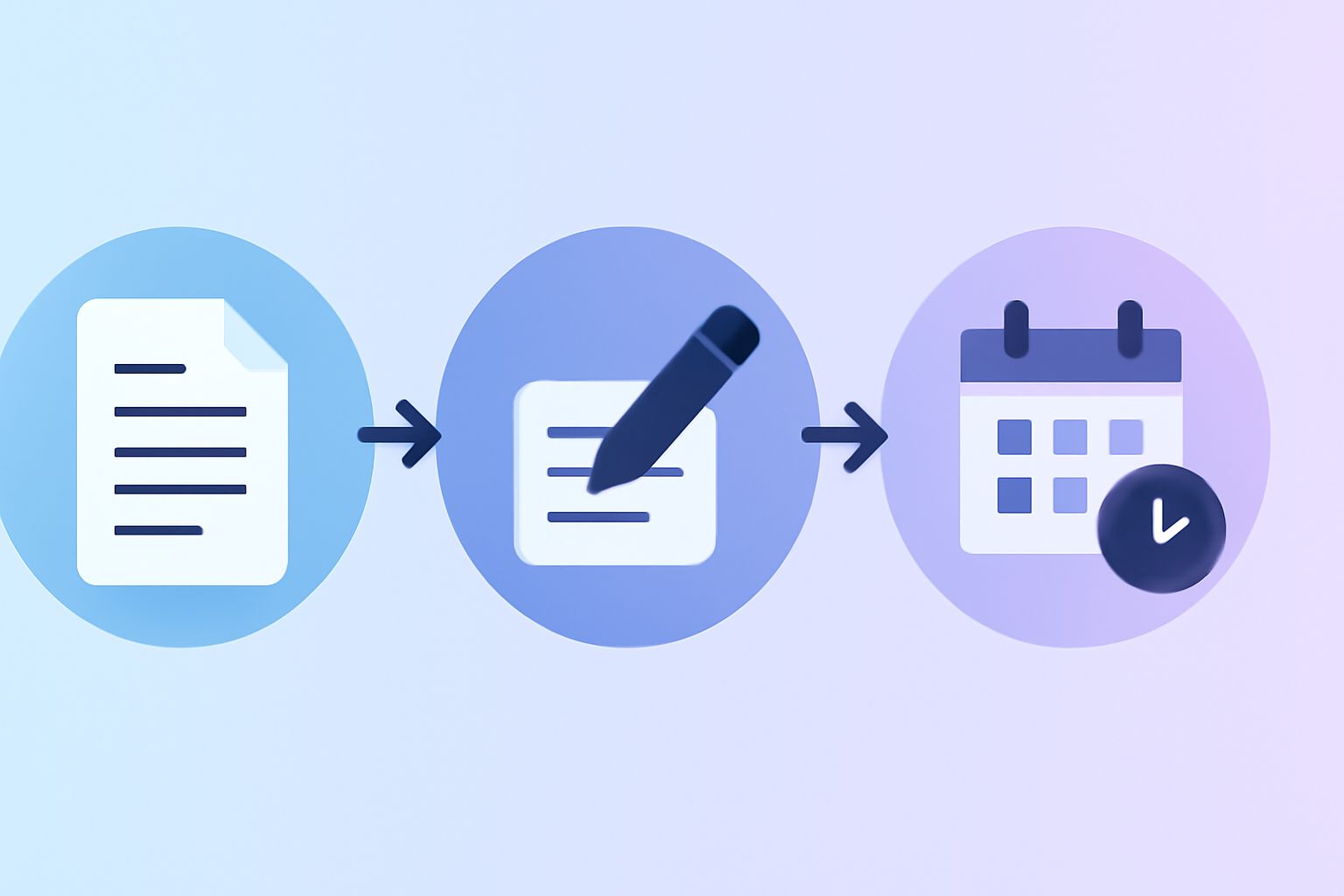
A Repeatable Compose Workflow
Most successful creators batch-compose 3-5 tweets per session.
Session Setup (5 minutes)
Open the X compose box on web. Have 5-10 content ideas ready in a notes app. Block 30-45 minutes of uninterrupted time.
Draft Phase (15-25 minutes)
Write all 5 tweets in succession without editing. Use one hook pattern per tweet. Keep length between 100-180 chars unless you have a specific reason for shorter or longer.
Edit Phase (10-15 minutes)
Re-read each tweet. Cut filler words (just, really, very, actually). Strengthen the hook. Add line breaks where natural. Confirm hashtags fit the post.
Schedule Phase (5 minutes)
Click the calendar icon. Schedule across the week at peak engagement times (Tuesday-Thursday 12 p.m. to 6 p.m. local for most audiences).
Total time: 35-50 minutes for a full week of content. The creators producing 30+ tweets per week do most of it in 2 sessions like this.
Common Compose Mistakes
Five patterns that cap engagement.
- Hook-as-an-afterthought: Burying your strongest line in the middle of a tweet.
- Hashtag stuffing: Using 5+ hashtags per tweet (flags as spam in 2026).
- No line breaks: Posting a wall of text with no visual rhythm.
- Generic openers: "I just" or "Here's" or "So" waste your strongest position.
- Forgetting to engage post-publish: Composing the perfect tweet then ghosting kills engagement velocity, the strongest algorithmic signal.
Frequently Asked Questions
How long should a Twitter (X) compose tweet be?
The sweet spot is 100-180 characters. Long enough for context, short enough to scan in the For You feed. Tweets at the maximum 280-character ceiling typically underperform 240-character posts by 15-20% on engagement because they offer less white space and less scannability.
Can I edit a tweet after I post it?
X Premium subscribers can edit tweets within 30 minutes of posting. The edit history is visible (showing a small "edited" tag and the option to view past versions). Non-Premium accounts can only delete and repost, which sacrifices any engagement the original tweet earned.
Why are my composed tweets getting fewer impressions?
Average impressions per post declined 5.3% on X in 2025 across the entire platform. Some drop is normal. If your drop exceeds 30%, check for shadowban indicators, audit your posting format diversity, and ensure you're engaging with early replies within the first 30 minutes after each post.
Mastering the Twitter compose tweet box is the highest-leverage skill on X in 2026. Every habit you build into your compose workflow compounds across hundreds of future posts. Try our AI-powered platform for free to combine sharp compose habits with real engagement from 10,000+ verified creators, the formula that consistently lifts engagement rate above the 0.015% median.