Twitter Engagement Checker: Tools and 2026 Use Cases Guide
Twitter (X) engagement checker tools for 2026: how they work, legitimate options, sponsorship vetting workflow, and why their numbers differ from X Native.


A Twitter engagement checker is a tool that calculates the engagement rate of any public X account without requiring login or owner access. Unlike your native dashboard which only shows your own data, an engagement checker scrapes public post data, samples it, and computes the rate. With median brand engagement on X at 0.015% in 2026 and creator accounts ranging widely, having a tool to check competitor rates, influencer rates, and benchmark accounts is essential for any strategic content decision.
This guide covers everything about Twitter engagement checker tools in 2026: how they work, the legitimate options, why their numbers sometimes differ from X's native dashboard, the use cases for checking other accounts' rates (competitor benchmarking, influencer vetting, niche analysis), the limitations of public-data calculations, and the workflow that turns checker output into strategic decisions. Whether you are sizing up a competitor, evaluating a paid sponsorship partner, or learning from top accounts in your niche, the right checker tool helps.
How an Engagement Checker Works
Public engagement checkers operate via three mechanisms.
1. Public Post Scraping
The checker accesses public tweets from the account, reads visible engagement counts (likes, replies, retweets, quote tweets), and estimates impressions based on engagement-to-impression ratios.
2. Sample-Based Calculation
Most checkers sample 10-50 recent posts rather than all-time history. The result is an average engagement rate across the sample, not a true total-account rate.
3. Per-Follower Formula
Public checkers typically use the per-follower formula (engagements / followers × 100) because public impression data is not available. X's native dashboard uses per-impression, producing different numbers.
The implication: checker output is approximate, not authoritative. Useful for relative comparisons (Account A vs Account B) but not for absolute decision-making about your own content quality.
The Legitimate Engagement Checkers in 2026
| Tool | Cost | Strength | Limitation |
|---|---|---|---|
| SocialBlade | Free with paid tiers | Wide account coverage | Per-follower only |
| HypeAuditor | $299+/month | Sentiment + influencer focus | Expensive |
| Followerwonk | $30+/month | Audience analysis included | Smaller account database |
| Phlanx | Free with limits | Quick public lookup | Limited depth |
| Sprout Social | $249+/month | Enterprise tier with checker | High floor price |
| Xarmy Smart Analytics | Free to start | Your own rate + community velocity | Owner-only data |
For checking your own engagement rate, X Native (free at analytics.x.com) is the authoritative source. For checking other accounts, the public checkers above approximate engagement rate based on public data.

Five Use Cases for Engagement Checkers
The reason to check another account's engagement rate.
1. Competitor Benchmarking
Identify 3-5 direct competitors. Run them through a checker. Compare their average rate against yours. Identifies whether your underperformance is account-specific or industry-wide.
2. Influencer Sponsorship Vetting
Before paying $500-10,000 for a creator sponsorship, check their engagement rate. A 100K-follower account with 0.5% engagement rate (500 engagements per post) underperforms a 30K-follower account at 3% rate (900 engagements per post).
3. Niche Top-Performer Analysis
Identify top 10 accounts in your niche by engagement rate (not just follower count). Study what they do differently. Apply learnings to your own content.
4. Pre-Follow Quality Check
Before following an account, check their engagement rate. Low-rate accounts add little algorithmic value to your following list and contribute to a diluted timeline.
5. Acquisition Due Diligence
If you're considering acquiring an account, verifying claimed engagement metrics matters. Public checkers reveal whether claimed numbers match public reality.
Most accounts use checkers for #1 and #2. The other use cases compound when integrated into a broader analytics workflow.
Why Checker Numbers Differ From Native Dashboard
Three reasons the same account shows different engagement rates across tools.
1. Formula Mismatch
Native dashboard uses per-impression. Checkers use per-follower. These produce dramatically different numbers, especially for high-follower accounts.
2. Engagement Type Coverage
Native counts all nine interaction types. Public checkers see only likes, replies, retweets, quote tweets. Bookmarks, link clicks, profile clicks, hashtag clicks, and media views are invisible to scrapers.
3. Sample Size Variance
Different checkers sample different post counts and time windows. Same account, different sample, different average.
The implication: when comparing accounts, use the same checker for both. When comparing checker output to native, expect the numbers to differ by 2-5x and adjust interpretation accordingly.
2026 Benchmark Context for Checker Output
According to Sprout Social's 2026 industry data, expect these typical checker outputs by account type.
| Account Type | Typical Per-Follower ER from Checker |
|---|---|
| Brand under 10K followers | 0.5-2% |
| Brand 10K-100K | 0.2-1% |
| Brand 100K-1M | 0.1-0.5% |
| Creator under 10K | 2-8% |
| Creator 10K-100K | 1-5% |
| Creator 100K+ | 0.5-2% |
| Xarmy-amplified accounts | 2-5x typical baseline |
These per-follower numbers are generally higher than X Native per-impression numbers, particularly for high-follower accounts where impressions far exceed follower count.
Reading Checker Output: What's Good vs Bad
How to interpret what the checker tells you.
Very Low Checker Output (Below Typical Range)
Possible reasons: heavy use of paid amplification inflating impressions, bot followers diluting engagement rate, or genuinely weak content. Investigate further before drawing conclusions.
Average Checker Output (Within Typical Range)
Normal performance. Account fits its category. Not exceptional, not concerning.
High Checker Output (Above Typical Range)
Possible reasons: strong content quality, engaged ICP-matched audience, smaller-but-active follower base. Worth studying. Some accounts may also use community amplification or engagement boosting tools.
Unusually High (5x+ Typical)
Investigate. Possible bot-driven engagement, like-buying, or exceptional authentic performance. Sponsorship decisions especially deserve cross-checks.
Our engagement rate calculator guide covers detailed interpretation of these ranges.
The Influencer Sponsorship Vetting Workflow
Sponsorship spend in 2026 ranges from $100-$10,000+ per shoutout. Vetting via engagement checker prevents wasted budget.
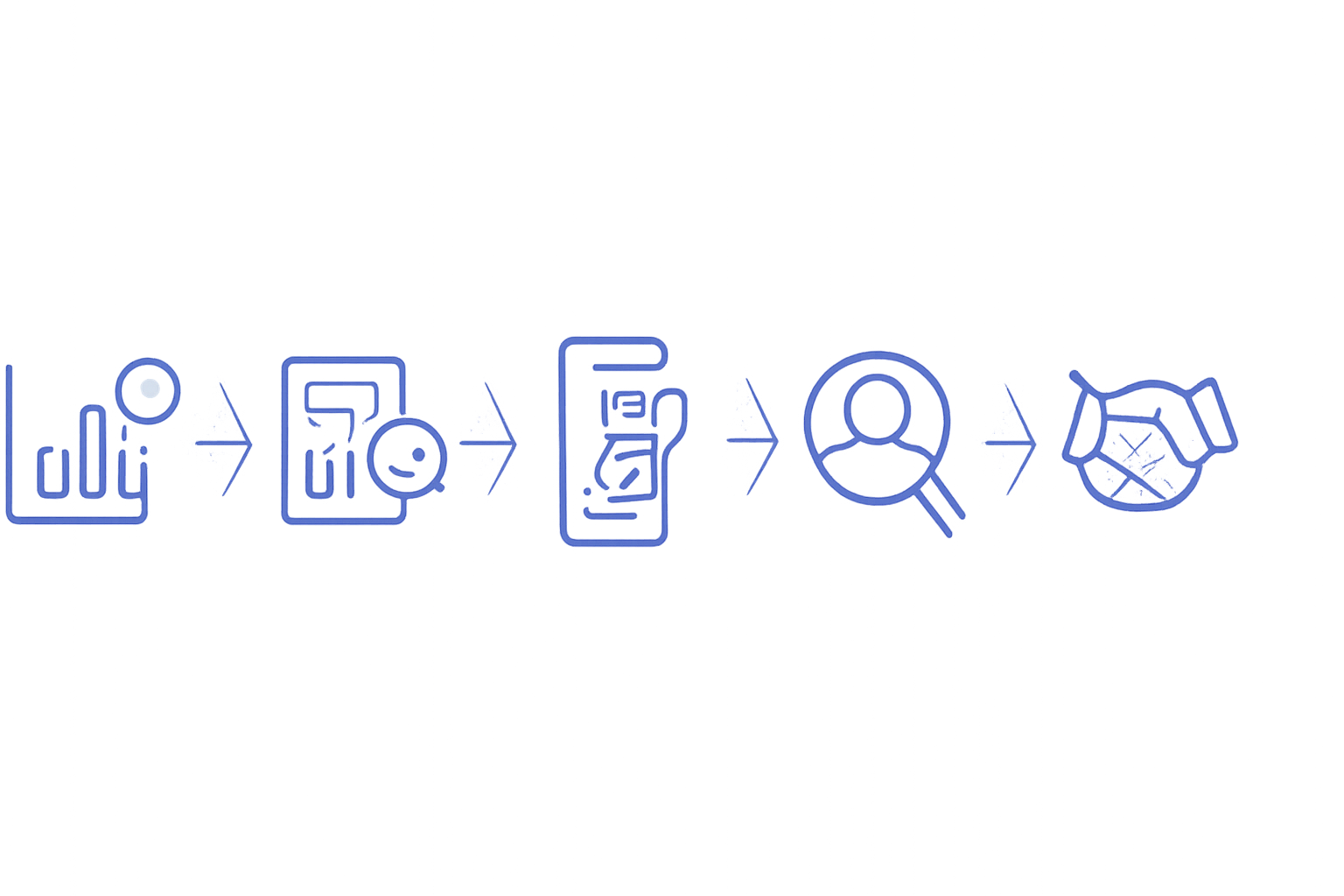
Step 1: Check the Account's Public Engagement Rate
Use SocialBlade, HypeAuditor, or another checker. Note their engagement rate.
Step 2: Compare Against Account-Type Benchmark
A 100K-follower creator should be around 1-3% per-follower engagement. Below 0.5% signals weak audience quality or bot followers; above 5% signals either exceptional authenticity or potentially purchased engagement.
Step 3: Sample Recent Tweet Engagement
Open 10 recent tweets manually. Note likes, replies, retweets. Does the engagement composition match natural patterns (more likes than replies, replies from substantive accounts) or look bot-driven (likes from new accounts, no replies)?
Step 4: Check Audience Quality
Click "Followers" tab on the account. Sample 10 random followers. Are they real accounts with profile depth, or recently-created accounts with no activity?
Step 5: Negotiate Based on Findings
Strong engagement: pay full quoted price. Mediocre engagement: negotiate 30-50% lower. Weak engagement: walk away regardless of follower count.
According to Digital Applied's 2026 marketing report, well-vetted creator sponsorships deliver 10-50x ROI versus 0.5-2x ROI for poorly-vetted sponsorships at identical spend.
Common Checker Mistakes
Five patterns that lead to wrong conclusions from checker output.
- Comparing checker output to native dashboard: different formulas produce different numbers; compare apples to apples
- Single-tool reliance: different checkers produce different results; verify across 2 tools before major decisions
- Ignoring engagement composition: 1,000 likes with 5 replies signals different audience than 500 likes with 200 replies
- Treating checker output as definitive: public scrapers approximate; treat as directional, not authoritative
- Comparing across account types: brand vs creator vs B2B founder rates differ structurally; compare within category
The most damaging mistake is the first. Checker output uses per-follower formula; X Native uses per-impression. The same account will show 5-10x different rates between them, leading to wrong conclusions when mixed.
What Engagement Checkers Cannot Tell You
Important limitations of public-data checkers.
- Engagement velocity: first-30-minute interaction count is not visible in public data
- Engagement composition by impression: only the public engagement count is visible, not the impression denominator
- Hidden engagement types: bookmarks, profile clicks, hashtag clicks, link clicks, media views are invisible
- Audience demographics: follower country, age, interest breakdown requires logged-in access
- Algorithm authority signals: internal quality scores are invisible to public scrapers
The implication: checker output answers "what's their public engagement rate" but cannot answer "what's their algorithmic reach quality." Use for relative benchmarking; use X native data for absolute decisions.
The 2026 Platform Reality and Engagement Checkers
Three trends shape how checker output should be interpreted in 2026.
Impressions per post down 5.3% YoY. Per-follower checker output is rising slightly across the platform because impressions shrink while engagement-per-follower stays stable.
Retweets up 35%, replies up 21%. Accounts with high retweet and reply counts visible to public scrapers look stronger in checker output even when their per-impression rate is unchanged.
Profile clicks down 31%. This engagement type is invisible to scrapers anyway, so its decline does not affect checker output directly.
Our Twitter analytics guide covers how to read engagement rate trends from both native and external tools systematically.
Building Your Own Mini-Checker
If you cannot afford paid tools, manual mini-checker process works.
Step 1: Pick the Account to Check
Note their public follower count (visible on profile).
Step 2: Open 10 Recent Tweets
Note likes, replies, retweets, quote tweets for each. Sum across all 10.
Step 3: Calculate Average per Tweet
Divide total engagement by 10 to get average per tweet.
Step 4: Calculate Per-Follower Rate
Average engagement per tweet / follower count × 100 = approximate per-follower engagement rate.
This manual process takes 5 minutes per account and produces a usable approximation for sponsorship vetting or competitor benchmarking.
How Xarmy Lifts Engagement Rate (Both Native and Checker Output)
The 2026 reality: knowing how to check engagement rates is foundational; lifting your own rates above benchmark is what compounds growth.
Our AI-powered platform generates content optimized for high-weight engagement types and provides community-driven engagement from 10,000+ verified creators who engage authentically within the 30-minute velocity window. The result: average reach lift 450%, with engagement rate typically lifting 2-5x baseline within 90 days. Native dashboard rates and public checker rates both rise as the underlying engagement compounds.
For solo creators, brands, and B2B operators serious about X, the combination of disciplined competitor checking plus community-driven velocity for your own account is what consistently produces above-benchmark performance visible across both native and public engagement metrics.
Frequently Asked Questions
What is the best Twitter (X) engagement checker in 2026?
For your own account, X Native (free at analytics.x.com on desktop) is the authoritative source with per-impression engagement rate, demographics under Premium ($8-16/month), and 90-day history. For checking other accounts, SocialBlade (free with paid tiers) covers wide account coverage; HypeAuditor ($299+/month) adds influencer-specific analysis; Phlanx (free with limits) provides quick public lookups. Public checkers use per-follower formula based on scraped data and are approximate; use them for relative comparisons (account vs account) rather than absolute decisions.
Why does the engagement checker show different numbers than my X analytics?
Three reasons. (1) Formula difference: native uses per-impression, public checkers use per-follower; same content produces different rates. (2) Engagement type coverage: native counts all nine interaction types (likes, replies, retweets, quotes, bookmarks, link clicks, profile clicks, hashtag clicks, media views); public checkers see only likes, replies, retweets, quote tweets. (3) Sample size: native uses authoritative real data; checkers sample 10-50 recent posts. For your own account, trust X native; for checking others, treat public checkers as directional approximations.
How accurate are public Twitter (X) engagement checkers?
Useful but approximate. Public checkers typically produce engagement rates within 2-5x of the true X-native per-impression rate, with direction generally accurate (high-rate accounts look high, low-rate accounts look low). For sponsorship vetting and competitor benchmarking, this directional accuracy is sufficient when comparing accounts to each other through the same tool. For absolute decisions about your own content quality, use X Native data which uses authoritative impressions and counts all engagement types.
A Twitter engagement checker in 2026 turns public profile data into actionable engagement insight for any account. Use it for competitor benchmarking, sponsorship vetting, and niche analysis; understand the formula differences from X Native; treat output as directional. Try our AI-powered platform for free to combine AI-assisted content with real engagement velocity from 10,000+ verified creators, the formula that consistently lifts both your native and public engagement metrics 2-5x baseline.