X Media Studio: The Complete Guide to Managing Video in 2026

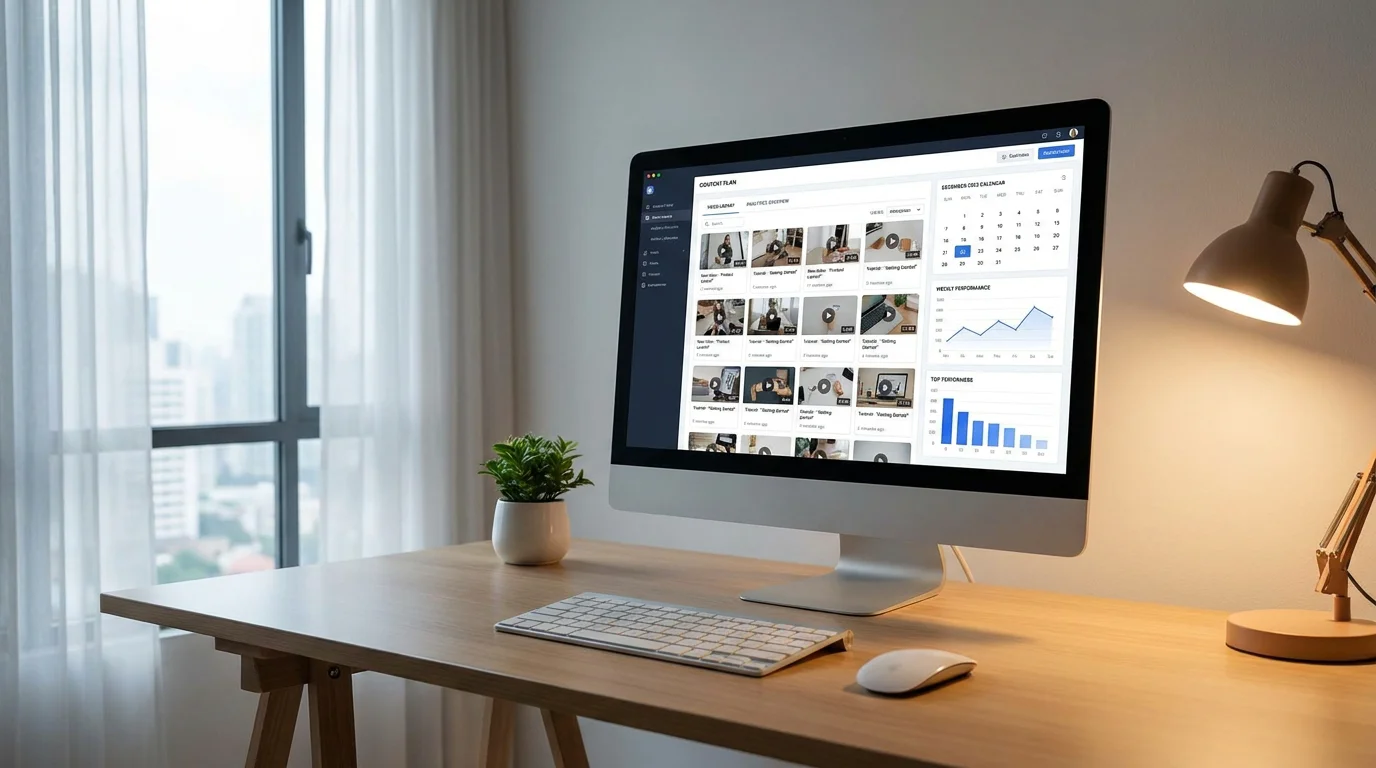
Video content on social media generates 1,200% more shares than text and image posts combined. For creators and marketers on X (formerly Twitter), that statistic underscores a critical point: leveraging video is no longer optional. Yet many users overlook the very tool designed to help them manage it all. The X Media Studio, still widely searched as "Twitter Media Studio," is a centralized dashboard that brings uploading, scheduling, analytics, and monetization under one roof.
Whether you are a solo creator building a personal brand or a marketing team coordinating across multiple accounts, understanding how this platform works can transform your content workflow. Below, you will find a thorough breakdown of what the Media Studio offers, how to access it, and how to pair it with the right engagement strategy for measurable growth.
What Is the X Media Studio and Why Does It Matter?
The X Media Studio is a native content management platform built directly into X. It provides a single interface for uploading videos, GIFs, and images, then publishing or scheduling them across one or more accounts. Originally launched under the Twitter brand, the tool has evolved alongside the platform and now sits behind the X Premium paywall.
At its core, the Media Studio addresses a fundamental challenge: managing rich media at scale. Rather than composing individual posts from the timeline, you can upload media files to a persistent library, tag them with metadata for discoverability, and schedule them for optimal posting times. For organizations running multiple X accounts, user roles and permissions allow team members to compose, review, and approve content without sharing login credentials.
According to Wyzowl, 91% of businesses use video as a marketing tool in 2026. With that level of adoption, having a structured workflow for video management on X is not a luxury; it is a baseline requirement. The Media Studio provides exactly that structure.
How to Access the X Media Studio
Finding the Media Studio can be confusing if you do not know where to look. The steps are straightforward, but there is one prerequisite that trips up many users: you must hold an active X Premium subscription.
- Log in to your X account at x.com using a desktop browser.
- Click the "More" option on the left side panel.
- Select "Media Studio" from the drop-down menu. It appears between the Analytics and Settings options.
- Alternatively, navigate directly to studio.x.com and sign in with your credentials.
If you do not see the Media Studio option, it is almost certainly because your account has not been upgraded to X Premium. Free, unverified accounts do not have access. Once you subscribe, the option appears automatically in the navigation menu.
Core Features Inside the Media Studio
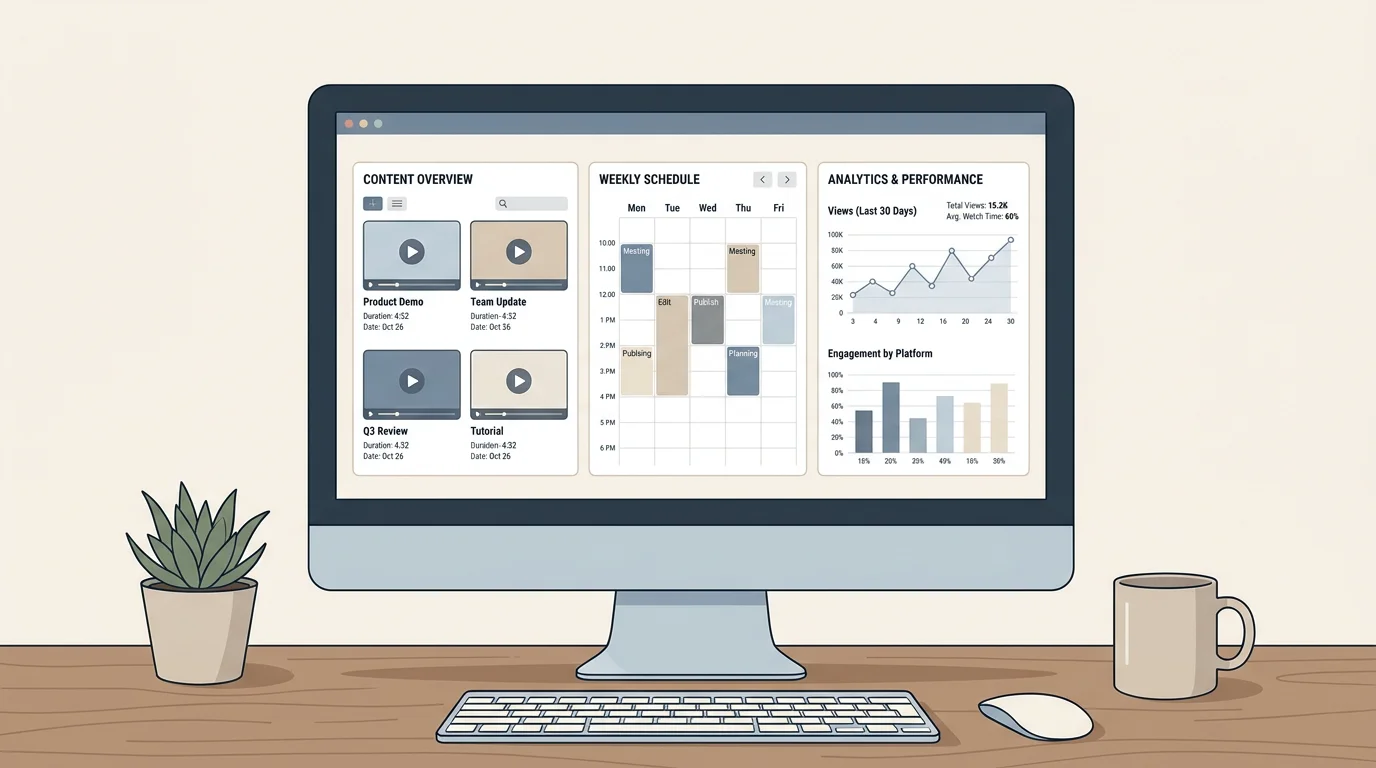
The platform is organized into five distinct modules, each addressing a different aspect of content management. Understanding them helps you extract the most value from the tool.
Library
The Library is your central media repository. You can upload videos, GIFs, and images, then organize them with metadata fields such as title, description, and call-to-action URLs. This metadata improves discoverability within X search results and makes it easier for team members to locate specific assets. You can also share media files with collaborators and revoke access at any time.
Scheduling and Publishing
From within the Library, you can compose posts and schedule them for future publication. This is particularly useful for maintaining a consistent posting cadence. Research from Buffer, analyzing millions of posts, found that top-performing accounts publish more often and more consistently, and that accounts that did not post in a given week consistently underperformed their own baseline growth rates. The scheduling feature helps you avoid those silent gaps.
Analytics
The built-in analytics dashboard surfaces metrics including total views, organic views, promoted views, video completion rate, average watch time, geographic breakdowns, and platform of viewership. These data points allow you to refine your content strategy based on what actually resonates with your audience, rather than relying on guesswork.
Producer and LiveCut
Producer enables professional live broadcasting directly on X using external encoding hardware or software. You can plan and promote upcoming broadcasts with scheduling tools, and once the stream ends, LiveCut lets you clip highlights in near real time. This workflow turns a single live event into multiple pieces of shareable content.
Monetization
For publishers enrolled in the Amplify Publisher Program, the Media Studio provides two monetization paths. Amplify Pre-roll automatically pairs advertiser pre-roll ads with your brand-safe video content. Amplify Sponsorships facilitate direct, one-to-one partnerships between publishers and advertisers for live video and clips. Both require coordination with an X account manager.
Why Video Performance on X Demands a Strategic Approach
X's engagement rate declined from 0.15% in 2024 to 0.12% in 2025, continuing a downward trajectory that accelerated following the platform's rebrand and policy changes. That number places X at the bottom of the engagement spectrum among major social platforms. However, context matters.
X launched a full-screen video tab in 2025, available to its 100 million or more American users, yet video accounts for only 20% of brand publishing on the platform. That gap between platform investment and creator adoption represents a significant opportunity. Creators who commit to video content on X are competing for attention in a relatively uncrowded lane.
X is increasingly tiered, with text posts leading in engagement but the Premium divide mattering more than format; after January 2025, Premium and regular account engagement rates split sharply, with the median engagement rate for regular accounts dropping to 0%. This reinforces the importance of an X Premium subscription, not only for Media Studio access but also for algorithmic visibility.
Pairing the Media Studio with an Engagement Strategy
Publishing polished video content is only half the equation. Without an active engagement strategy, even well-produced media can languish with minimal reach. There are nearly 450 million forecasted X users worldwide in 2026, and standing out in that crowd requires more than uploading and hoping.

This is where community-powered engagement becomes essential. When real accounts interact with your content through likes, reposts, and replies shortly after publication, X's algorithm interprets those signals as indicators of quality and extends distribution. Manual outreach is time-consuming, and bot-driven shortcuts risk account suspension.
We built our AI-powered engagement community to solve precisely this challenge. By matching your content with verified X accounts that are genuinely interested in your niche, you receive authentic engagement that amplifies your reach without jeopardizing compliance. With over 10,000 active creators and an average reach increase of 450%, the results speak for themselves.
Best Practices for Using the X Media Studio Effectively
Maximizing the platform requires more than knowing where the buttons are. The following practices will help you get measurable results from your media management workflow.
Optimize video metadata. Every video you upload should include a descriptive title, a concise description with relevant keywords, and a call-to-action URL. This metadata feeds into X search and improves the likelihood that your content surfaces organically.
Maintain a consistent schedule. Use the scheduling feature to queue posts across peak engagement windows. Consistency signals reliability to both the algorithm and your followers.
Leverage analytics for iteration. Review completion rates and geographic data weekly. If viewers drop off at the 15-second mark, tighten your hooks. Videos shorter than 90 seconds keep 50% of their audience engaged, so front-load your value and keep clips concise.
Repurpose live content. Use Producer for live broadcasts and LiveCut to extract highlight clips. A single 30-minute stream can yield five to ten standalone posts, each with its own engagement cycle.
Track growth holistically. The Media Studio analytics give you content-level metrics. For a broader view of how engagement translates into follower growth and reach, our smart analytics dashboard provides detailed post-level and audience-level insights that complement what the Media Studio offers.
X Media Studio vs. Third-Party Scheduling Tools
Many creators wonder whether the native Media Studio is sufficient or whether they need external tools. The answer depends on your workflow complexity and your goals beyond X.
| Feature | X Media Studio | Third-Party Schedulers | Xarmy |
|---|---|---|---|
| Video upload and library | Yes | Varies | N/A (engagement focus) |
| Post scheduling | Yes | Yes | N/A |
| Native analytics | Yes | Limited X data | Detailed engagement analytics |
| Multi-account management | Yes | Yes | N/A |
| Monetization tools | Yes (Amplify) | No | N/A |
| AI-powered engagement boost | No | No | Yes, with real verified accounts |
| X Terms compliance focus | Native | Varies | Safety-first design |
The Media Studio excels at content management and monetization. Third-party schedulers add cross-platform convenience. Neither, however, solves the engagement equation. That is the gap our community fills: delivering authentic interactions from real accounts, matched to your content through AI, while keeping your account safe and compliant.
The Bigger Picture: Video and Engagement in 2026
The data paints a clear trajectory. Around 91% of marketers are currently integrating video into their strategies, and 82% report positive ROI from video marketing. On X specifically, the opportunity is amplified by the fact that most brands have not yet committed to video, even as the platform invests heavily in video infrastructure.
The global digital video advertising market is expected to grow from $140.28 billion in 2025 to $188.76 billion in 2026, which signals that advertisers are following audience attention toward video. For creators and businesses on X, this means the Amplify monetization features inside the Media Studio could become increasingly lucrative as advertiser budgets expand.
But monetization requires reach, and reach requires engagement. The creators who will thrive in 2026 are those who combine strong video content strategy with systematic engagement growth. The Media Studio handles the content side. For the engagement side, a community-driven approach that delivers real likes and reposts from verified accounts is the most sustainable path forward.
If you are serious about growing your presence on X, the X Media Studio is your operational foundation. It gives you the tools to upload, organize, schedule, analyze, and monetize video content at a professional level. But tools alone do not build audiences; strategy and engagement do. The creators seeing the strongest results in 2026 are those who pair robust content workflows with authentic, community-powered engagement. To accelerate your growth with real interactions from verified accounts, get started free with our AI-powered engagement community and see what consistent, genuine support can do for your reach.
Frequently Asked Questions
Do you need X Premium to use the Media Studio?
Yes. As of 2025, access to the X Media Studio is restricted to verified X Premium subscribers. Free accounts do not see the Media Studio option in the navigation menu. Once you subscribe, you can access the platform through the "More" menu or directly at studio.x.com.
Can the Media Studio help you grow your audience on X?
The Media Studio provides excellent tools for managing and analyzing content, but it does not directly generate engagement. For audience growth, pairing it with a community-driven engagement strategy is more effective. Our AI-powered community at Xarmy matches your content with real, verified accounts to amplify reach while staying compliant with X terms of service.
What types of content can you manage in the X Media Studio?
The Media Studio supports videos, GIFs, images, and live broadcasts. You can upload media to a persistent library, add metadata for discoverability, schedule posts in advance, and use Producer for professional live streaming with external encoding equipment.