Twitter Tracker: How to Monitor X Accounts and Activity in 2026
A Twitter tracker monitors accounts, mentions, and trends in real time; complete 2026 guide on tracker categories, top tools, and what's actually trackable post-API changes.


Whether you are spying on a competitor, monitoring industry chatter, or watching your own brand mentions, a Twitter tracker turns the firehose of X into useful signal. Trackers come in many flavors: account trackers that alert you when a target user posts, mention trackers that catch when someone references your handle, trend trackers that surface emerging topics, and engagement trackers that follow your post performance in real time.
This guide breaks down what Twitter tracking tools actually do in 2026, which use cases match which tools, the top trackers by category (free and paid), how the API changes affect what tracking is possible today, and how to combine tracking with engagement to actually act on the data you gather. With X processing 500 million posts per day, knowing what to track and how to filter the noise is the difference between insight and overwhelm.
What Is a Twitter (X) Tracker?
A Twitter tracker is any tool or service that monitors X for specific signals: new posts from a target account, mentions of a keyword or handle, changes in follower count, emerging trending topics, or competitor engagement patterns. Trackers operate by polling the X API at regular intervals, scraping public profile pages, or integrating with X's official data products.
The category exploded after Elon Musk's API pricing changes in 2023 fundamentally restructured what data was accessible. Most trackers now work within official paid API tiers or rely on public web data. The result: better-quality, more reliable trackers, but typically with subscription pricing.
According to Metricool's 2026 study of 1.1 million posts, the average X account now publishes 17.34 times per week (up 8% from 2024). Manually checking competitor accounts at that volume is impossible. Trackers automate the watching so you can focus on responding.
The Four Categories of Twitter Trackers
Most tools fit into one of four categories. Choose based on the question you want to answer.
1. Account Trackers
Monitor specific user accounts. Alerts when a target posts, follows, unfollows, changes their bio, or hits a follower milestone. Use case: monitor competitors, key influencers, or job-search target accounts.
2. Mention and Keyword Trackers
Watch for any mention of a specific keyword, hashtag, or @handle across X. Alerts when matches appear in real time. Use case: brand monitoring, customer service, PR crisis detection.
3. Trend Trackers
Surface emerging topics, breakout hashtags, and viral posts before they reach the trending list. Use case: content ideation, news monitoring, marketing reactiveness.
4. Engagement and Performance Trackers
Monitor your own (or competitors') post performance in real time. Track impressions, engagement velocity, and reach. Use case: optimizing live posts, identifying viral moments early.
Most growth-focused accounts use 2-3 of these in combination. A creator might run mention tracking (brand monitoring) plus engagement tracking (own posts) plus account tracking (3-5 competitor accounts).

Top Twitter Trackers in 2026
The landscape consolidated significantly after the 2023 API changes. Current top picks by category.
| Tool | Category | Cost | Best For |
|---|---|---|---|
| X Premium analytics | Engagement (own) | $8+/month | Solo creator basics |
| Mention.com | Mention tracking | $49+/month | Brand monitoring |
| Brand24 | Mention + sentiment | $99+/month | PR teams |
| Trends24 | Trend tracker | Free | Quick trend checks |
| SocialPilot | Multi-category | $30+/month | Solo creators on a budget |
| Sprout Social Listening | Full-stack | $249+/month | Marketing agencies |
| Followerwonk | Account analytics | $30+/month | Influencer research |
| Xarmy Smart Tracker | Engagement + community | Free to start | Creators serious about growth |
For most solo creators, the combination of X Premium (own analytics) plus a free trend tracker like Trends24 covers 80% of tracking needs. For brands and agencies, dedicated mention monitoring becomes essential at $99+/month. We built our AI-powered platform to pair engagement tracking with real engagement from 10,000+ verified creators, so the same tool that tracks your posts also helps lift them.
What You Can Actually Track in 2026
Post-API-change reality. Some data is freely accessible, some requires paid API tiers, and some has become essentially impossible without enterprise contracts.
Freely Trackable
- Public profile information (handle, bio, follower count snapshot)
- Recent public tweets from any account
- Public trends in your region
- Hashtag-based search (limited to recent posts)
- Your own post analytics (with X Premium)
Paid API Tier Required
- Historical tweet archives going back years
- Real-time firehose of tweets matching a query
- Detailed follower demographics on third-party accounts
- High-volume mention alerts (1,000+ per day)
Enterprise Only
- Full archive search going back to 2006
- Geo-tagged tweet analysis at scale
- Compliance and brand safety analytics
Most consumer tracking needs fit in the freely trackable or low-tier paid bucket. If a tool charges $500+/month, it is almost always because they pay X enterprise API fees and pass through the cost.
How to Set Up an Effective Tracking System
Three layers work better than a single tool stack.
Layer 1: Account Watch (Free)
Use X's built-in lists feature. Create a private list of 10-20 competitors and influencers in your niche. Check the list daily as a curated feed. Free, fast, and avoids tool sprawl for simple use cases.
Layer 2: Mention Alerts (Paid)
Subscribe to Mention.com or Brand24 ($49-$99/month) for brand mentions, competitor name tracking, and hashtag monitoring. Set up email and Slack alerts for high-priority matches.
Layer 3: Performance Tracking (Free + Paid)
Use X Premium analytics ($8/month) for own-account performance. Layer a third-party analytics platform for cross-account benchmarking. Our Twitter analytics guide covers the metrics that matter most.
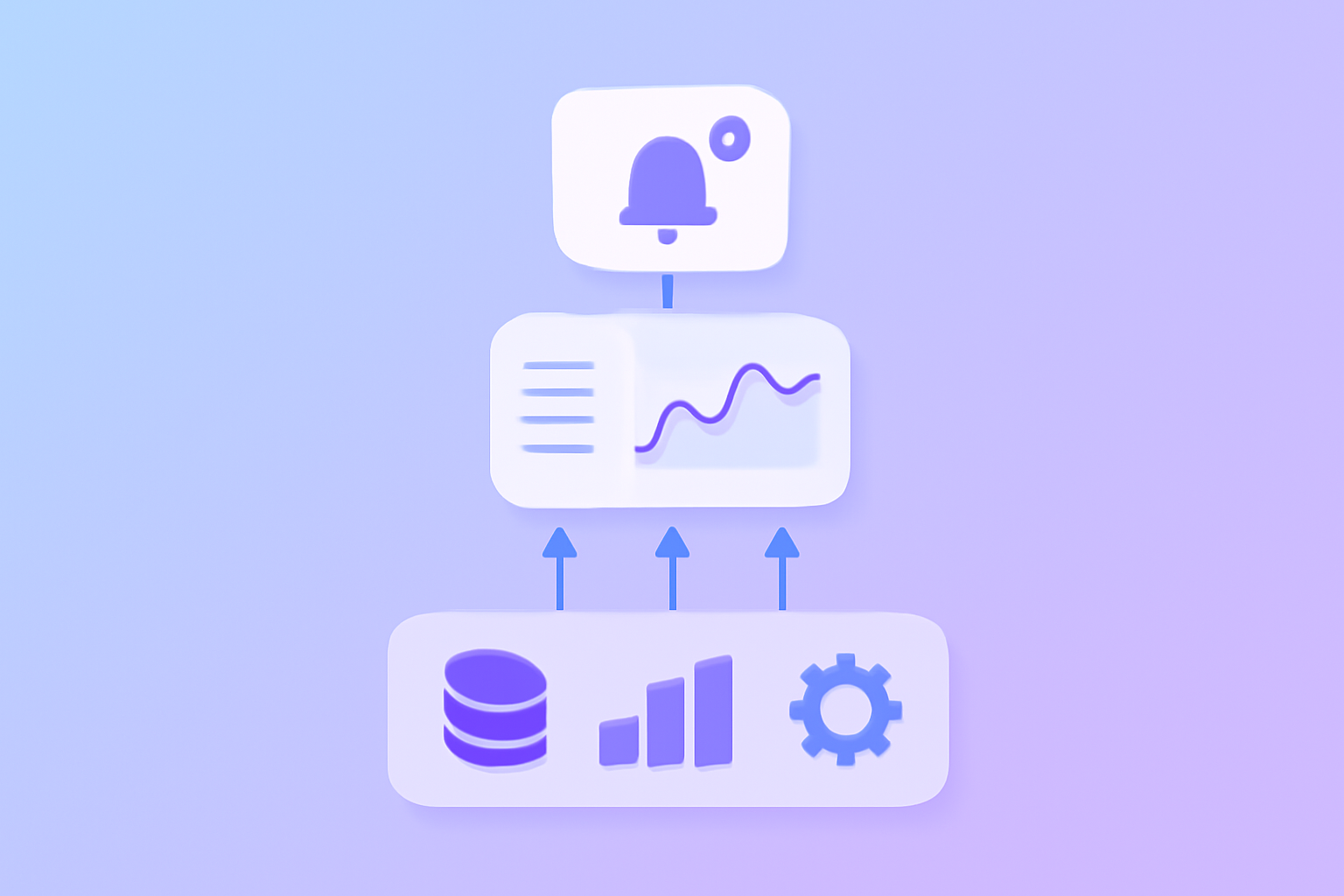
What the 2026 Tracking Data Tells Us
Three insights from aggregated tracker data.
Reach is contracting; engagement is concentrating. According to Digital Applied's 2026 marketing report, average impressions per post dropped 5.3% in 2025 while retweets jumped 35% and replies grew 21%. The accounts that grew were the ones whose tracker dashboards flagged the shift early and adapted content format.
Profile clicks plummeted. Profile clicks per post dropped 31% (from 8.29 to 5.68 on average). Trackers that focus only on impression growth miss that visitors are converting differently now. Engagement rate matters more than ever.
Video took over. Daily video views exceeded 8.3 billion in 2024 and continued growing. Trackers that surface video performance separately from text are catching the trend; trackers that mash everything together obscure it.
Common Twitter Tracker Mistakes
Five patterns that waste tracker budget.
- Tracking too many keywords. Each additional keyword multiplies noise. Start with 3-5; expand only when needed.
- Ignoring sentiment. 10,000 mentions are useless if you do not know if they are positive or negative.
- No action layer. Tracking without response is just data hoarding. Pair tracking with a reply/engagement workflow.
- Vendor lock-in. Some tools make exporting historical data difficult. Choose tools that let you own your tracking history.
- Tracking competitors but not yourself. Many accounts obsessively watch rivals while neglecting their own performance metrics.
Combining Tracking With Engagement
The accounts that win in 2026 do not just watch. They watch, then respond. Specifically:
- Mentions: Respond to brand mentions within 1 hour to maximize relationship-building.
- Trending topics: Publish a relevant tweet within the first 30 minutes of a trend breaking.
- Competitor posts: Quote-tweet competitor posts with original insight when relevant.
- Influencer activity: Reply thoughtfully within 30 minutes of larger accounts posting in your niche.
According to Sprout Social's 2026 data, brands that respond to mentions within 1 hour see 2-3x higher engagement on follow-up content. The tracker is the alert; the response is where the value compounds. Our engagement rate calculator guide covers how to measure whether your response strategy is actually lifting performance.
Frequently Asked Questions
Can I track someone's Twitter (X) activity for free?
Yes for basic activity. Use X's lists feature to monitor 10-20 accounts in a curated feed. You can see their public posts in chronological order without paying anything. For real-time alerts on specific events (new posts, follower milestones, bio changes), you need a paid tracker like Followerwonk or Mention.com.
What is the best free Twitter (X) tracker?
Trends24 for trending topics, X's native lists for account monitoring, and X Premium analytics for your own performance. The combination covers most casual tracking needs. For brand mention monitoring, paid tools start at $49/month and provide meaningful upgrades over free options.
Did the X API changes break Twitter trackers?
Many free trackers shut down or pivoted to paid tiers after the 2023 API pricing changes. The trackers that survived now work within official API tiers, scrape public web data, or use partnerships with X enterprise. The data is reliable but typically requires a subscription.
A well-configured Twitter tracker turns the firehose of X into actionable intelligence. Pair tracking with timely engagement and you build a competitive edge no algorithm change can erase. Try our AI-powered platform for free to combine smart tracking with real engagement from 10,000+ verified creators, the formula that consistently lifts reach in 2026.