X Analytics Dashboard: Complete 2026 Guide to Reading Your Metrics
X analytics dashboard reveals impressions, engagement, audience data; complete 2026 guide on free vs Premium, weekly workflow, and turning metrics into strategy.


Your X analytics dashboard is the single most important diagnostic tool for your account in 2026. Native at analytics.x.com, expanded under X Premium, supplemented by third-party tools, the dashboard is where reach trends, engagement patterns, and audience composition come into focus. Knowing what to look at and how often is the difference between guessing and growing.
This guide walks through how to read the X analytics dashboard in 2026: the free vs Premium features, the metrics that drive decisions, the comparison views that surface optimization opportunities, the third-party tools that fill native gaps, and the weekly workflow that turns dashboard data into iteration loops. With impressions per post down 5.3% YoY across the platform, treating the dashboard as a passive report kills growth; treating it as a decision engine produces compounding gains.
The X Native Dashboard: Free Features
analytics.x.com loads four free views.
Account Home
28-day rolling summary. Shows total tweets, impressions, profile visits, mention count, and follower changes. Useful for quick weekly check-ins.
Post Activity Dashboard
Per-tweet breakdown. Each tweet shows impressions, engagements, engagement rate, link clicks, profile clicks, hashtag clicks. Sortable and exportable as CSV.
Video Activity Dashboard
Per-video metrics: watch time, completion rate, retention curve, view sources. Only populated if you publish video.
Top Mentions
Highest-engagement mentions of your @handle. Useful for relationship building and brand monitoring.
The free dashboard covers approximately 60% of what a growth-focused account needs. The remaining 40% sits behind Premium.
What X Premium Adds
The $8-$16/month Premium subscription expands the dashboard in four ways.
1. Audience Demographics
Country, age group, gender distribution. Updated weekly. Useful for content localization and timezone-aware posting.
2. Hourly Engagement Trends
Engagement by hour of day across 28-day rolling window. Identifies your specific peak posting times.
3. 90-Day Historical Data
Free dashboard is 28 days. Premium triples the window, enabling quarter-over-quarter comparison and seasonality analysis.
4. 2.4x Reach Multiplier
Not strictly analytics, but every Premium account sees more impressions, making the analytics more meaningful.
For serious creators, Premium pays back through the reach multiplier alone within the first week. The added analytics are bonus.
The Six Dashboard Views That Drive Decisions
Most users look at totals and stop. Top performers run these six analyses.
1. Engagement Rate Trend (Weekly)
Weekly engagement rate over the last 90 days. Identifies content quality trends. Median brand engagement is 0.015% per Sprout Social's 2026 data; track your trend against your baseline.
2. Top vs Bottom Posts (Per Period)
Sort by engagement rate. Note format, time, topic, hook style of top 5 and bottom 5.
3. Format Performance Breakdown
Average engagement rate by content format (thread, image, video, text, link). Identifies your highest-performing format.
4. Hour-of-Day Engagement
Premium dashboard. Identifies your audience's active hours. Schedule high-priority content to peak windows.
5. Net Follower Change
New followers minus unfollows. Compare weekly and monthly trends.
6. Audience Demographics Shift
Premium dashboard. Watch for changes in country, age, or interest distribution. Sudden shifts often correlate with viral hits in unexpected audiences.

Third-Party Tools That Fill Native Gaps
| Tool | Cost | Fills This Gap |
|---|---|---|
| Black Magic | $10+/month | Engagement velocity tracking (first 30 minutes) |
| Hypefury | $19+/month | Combined scheduling + analytics with recycling |
| Followerwonk | $30+/month | Audience overlap analysis with competitors |
| SparkToro | $50+/month | Deep audience interest analysis |
| Brand24 | $99+/month | Sentiment analysis and mention tracking |
| Sprout Social | $249+/month | Multi-account, competitor benchmarking |
| Xarmy Smart Analytics | Free to start | Engagement velocity + community amplification |
For most creators, X native + Premium + one engagement velocity tool covers 90% of needs. Add competitor benchmarking only if you have specific accounts to track against.
The Weekly Dashboard Review Workflow
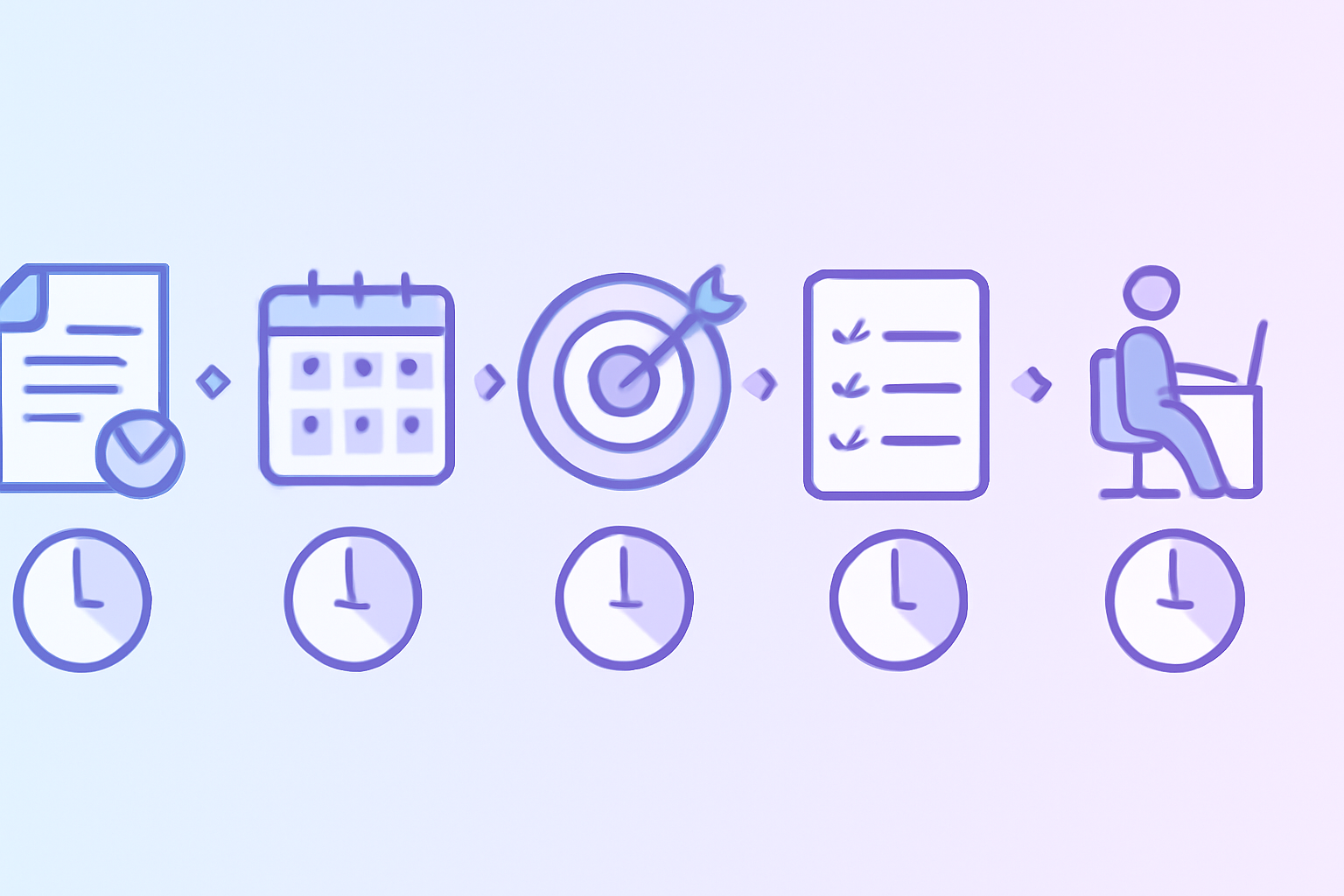
15-minute Monday morning ritual that consistently lifts engagement when done weekly.
Step 1: Open analytics.x.com (2 min)
Pull last 7 days vs prior 7 days. Note any anomalies.
Step 2: Identify Top 3 Posts (3 min)
Sort by engagement rate. Note format, posting time, topic of each.
Step 3: Identify Bottom 3 Posts (3 min)
Same sort, opposite end. Look for patterns: were they links, off-peak posts, weak hooks?
Step 4: Plan Next Week's Mix (5 min)
Based on top performer patterns, plan format, time, topics for the next 7 days.
Step 5: Note for Monthly Audit (2 min)
Save key observations for deeper monthly analysis.
Our Twitter analytics guide covers the broader framework that this weekly review fits into.
How to Read the 2026 Platform Trends
Three trends shape what "normal" looks like in your dashboard.
1. Reach contracted 5.3% YoY. According to Metricool's 2026 study of 1.1 million posts, average impressions per post declined. Some decline is normal; if your decline matches or beats the platform average, you are outperforming.
2. Engagement quality climbed 19%. Retweets +35%, replies +21%, likes +8%. The algorithm now rewards quality engagement signals more heavily. Track retweet rate and reply rate separately, not just total engagements.
3. Profile clicks dropped 31%. Down from 8.29 to 5.68 per post on average. The For You feed became more efficient. Adapt by moving CTAs into the tweet itself rather than relying on profile visits.
According to Digital Applied's 2026 marketing report, accounts that adapted to these trends within 30 days of the algorithm shifts captured 2-3x more engagement growth than accounts that adapted later.
Reading Engagement Velocity in Your Dashboard
The single most important algorithmic signal in 2026 is engagement velocity in the first 30 minutes after publishing. X native dashboards do not surface this metric directly.
Manual Tracking Method
Tag each post with publish timestamp. Check engagement count 30 minutes after publish. Build a manual spreadsheet over 30 days. Time-consuming but free.
Automated Tracking
Black Magic ($10/month) shows velocity natively. Hypefury (paid tiers) includes velocity reporting. Our AI-powered platform tracks velocity and provides community-driven engagement to boost it.
Velocity Benchmarks
- Strong: 50+ engagements in first 30 minutes
- Average: 10-30 engagements
- Weak: under 10 engagements
Accounts that hit 50+ velocity consistently see 5-10x higher viral breakout rates than accounts with weak velocity.
Common Dashboard Mistakes
Five patterns that turn dashboards into expensive reports.
- Never reviewing: 40% of accounts with dashboard access never check them.
- Chasing impressions over engagement rate: High impressions with low engagement is a vanity metric.
- Ignoring engagement velocity: Strongest predictor of reach in 2026, surfaced by select tools only.
- Comparing absolute numbers: Your impressions mean nothing without comparison to your own historical baseline.
- Set-and-forget reporting: Tools without a weekly review become expensive databases.
How Dashboard Insights Translate to Strategy
Five ways dashboard data should drive content decisions.
- Format winner doubling: If threads outperform images 2x in your data, shift mix toward threads.
- Time optimization: Reschedule high-priority content to your top 3 hours from the hourly breakdown.
- Hook pattern replication: Identify the hook style in your top 5 posts; use it more often.
- Underperformer culling: Stop investing time in formats or topics that consistently underperform.
- Velocity habit reinforcement: If engagement velocity correlates with post success, block 30-minute engagement windows after every post.
Frequently Asked Questions
Where is the X (Twitter) analytics dashboard?
The free native dashboard is at analytics.x.com on desktop. Open in any browser while logged in. Mobile users see in-feed activity icons but not the full dashboard. X Premium subscribers ($8+/month) access an expanded dashboard with audience demographics, hourly trends, and 90-day historical data.
How much does the X analytics dashboard cost?
Native analytics is free for all X accounts. X Premium at $8-$16/month unlocks expanded features (demographics, hourly trends, 90-day history). Third-party tools like Hypefury ($19+/month) or Sprout Social ($249+/month) add capabilities like engagement velocity tracking and competitor benchmarking.
How often should I check my X analytics dashboard?
Daily quick check (5 minutes, in-feed activity icon on recent posts). Weekly review (15-30 minutes, analytics.x.com top 3 and bottom 3 posts). Monthly deep audit (60 minutes, format and time breakdowns). Quarterly strategy review (2 hours, year-over-year). The cadence builds optimization loops without consuming significant time.
A well-used X analytics dashboard is the foundation of growth strategy in 2026. Build the weekly review habit, identify top-performer patterns, double down, and the engagement rate climbs predictably. Try our AI-powered platform for free to combine sharp dashboard analytics with real engagement from 10,000+ verified creators, the formula that consistently lifts every metric your dashboard tracks.